A few useful answers.
Read more about scope, reports and timing → · Prepare for a penetration test →
What happens before an assessment?
Before checks begin, we confirm ownership and written authorization, then agree the targets, exclusions, assessment depth, schedule, request limits and stop conditions.
Scope controls restrict checks to approved targets. Finding a related host does not authorize testing it. A redirect does not grant permission to assess its destination; authorized file-inspection downloads do not follow redirects.
See the detailed coverage for Basic and Basic+.
What does an IntegrityLab.ai report include?
Basic and Basic+ deliver professional, human-reviewed reports with:
Clear findings and risk: what we found, why it matters, likelihood, impact and the reasoning behind severity.
A plan for fixing each issue: remediation guidance, with category playbooks and example fixes where applicable.
Traceable evidence: recorded tool output, technical references and available screenshots, linked to the finding.
Where applicable, findings also include CVE references, CVSS scores, OWASP Web Security Testing Guide and Top 10 references, and ISO, SOC 2 or NIST mappings. You receive full and redacted reports, with integrity checks for the delivered package.
What every report heading tells you →
How does IntegrityLab.ai differ from security ratings services?
Security ratings services help you track overall security posture. IntegrityLab.ai gives your team detailed findings for the systems you approve, with the context and guidance to act on them.
Explore a complete finding →
How does IntegrityLab.ai fit alongside a penetration test?
Penetration testing shares many of the same discovery and vulnerability checks, then goes further into exploitation. IntegrityLab.ai draws the line at exploitation. Use our assessments for cost-effective checks between deeper penetration tests, such as an annual engagement. Your report gives the penetration tester a clear starting point, helping them spend more time investigating harder-to-find exploitation paths.
How does IntegrityLab.ai differ from AI-led penetration testing?
AI-led penetration testing introduces autonomy. Models with weakened safeguards, sometimes called “abliterated” models, raise particular concerns when connected to testing tools. OWASP identifies excessive agency as a risk that can lead to unintended, damaging actions.
IntegrityLab.ai uses defined checks, deterministic rules and human review of Basic and Basic+ findings. No AI agent runs or controls your assessment, so there is zero risk of an assessment AI going rogue in your environment.
How long does an assessment take?
As with a penetration test, run time depends on the agreed scope and depth. Basic and Basic+ checks typically take 10–16 hours. A complete Advanced assessment, including authenticated testing (coming soon), can take up to 48 hours.
Our assessments draw the line at exploitation. The time is spent discovering and assessing weaknesses, collecting evidence and preparing detailed findings.
Human review follows; we agree your report delivery date before starting. If you want a retest to check your fixes, we agree the scope and timing separately.
What technology does IntegrityLab.ai use?
We use established security engines such as Nmap, Nuclei, OWASP ZAP and SSLyze. Basic+ also uses Gitleaks for credential-pattern inspection in authorized files.
Our own deterministic automation coordinates the checks, enforces approved scope and request limits, and collects evidence. Internal monitoring tracks assessment progress and failed checks. Our report-validation tools check evidence links, redaction and signed delivery packages.
See our tools and methodology → · Compare scanner output with our report →
Attack Surface Mapping (coming soon) will produce an automated report in our standard format.
How do you identify and handle exposed credentials?
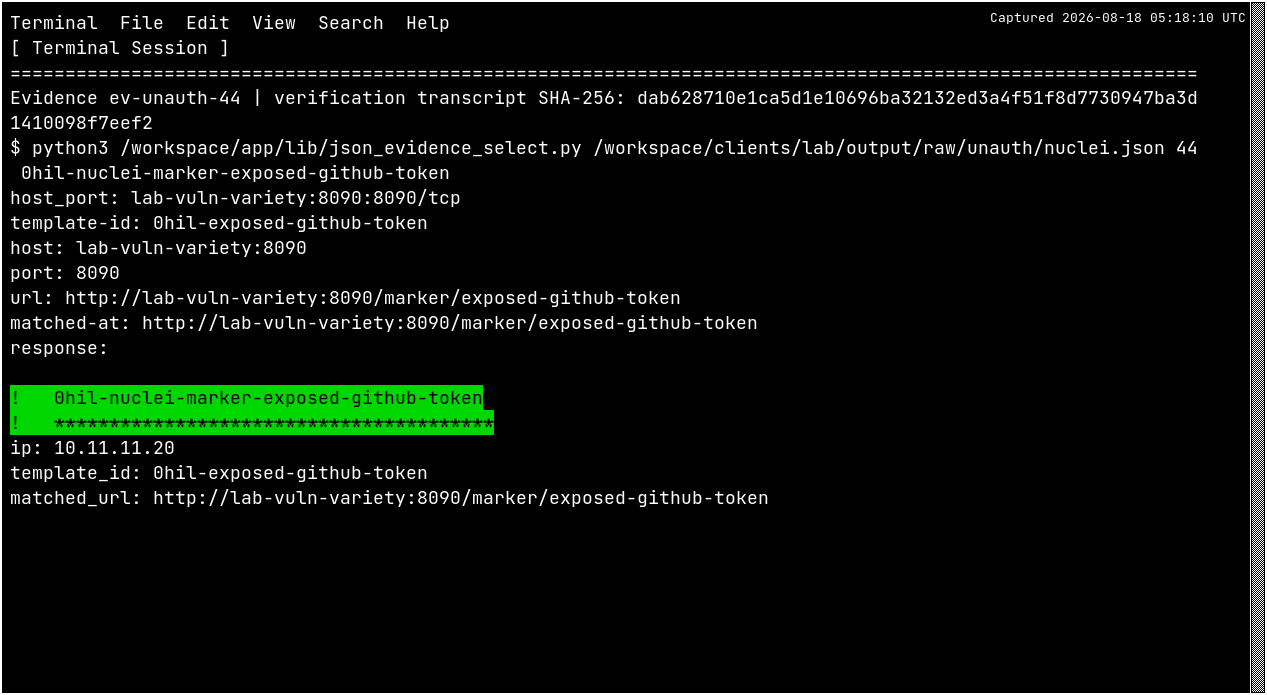
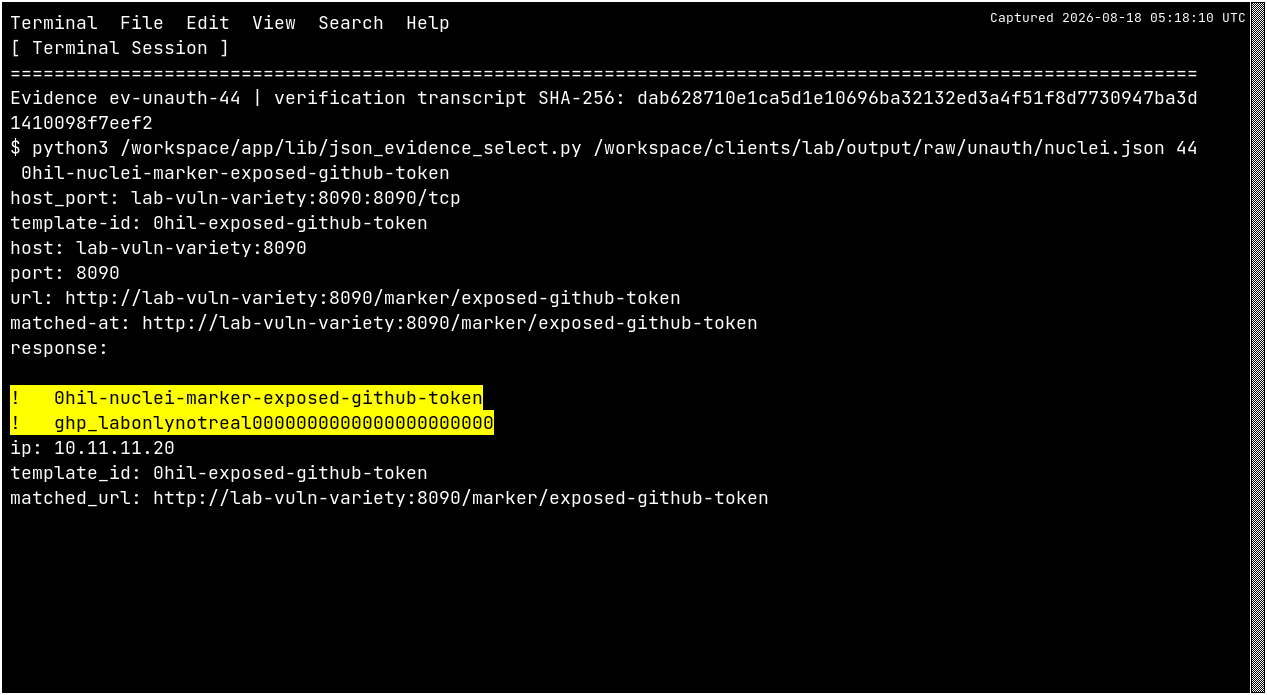
We look for recognizable credential patterns, such as API tokens and private keys. Basic checks known public-file locations. Basic+ adds inspection of eligible downloaded files and supported nested archives, within agreed safety limits.
A pattern match is evidence to review, not proof that a credential works. We do not use detected values, authenticate with them or test their validity.
The full report retains technical detail for your authorized team; the redacted version protects sensitive details for sharing. We review sensitive evidence and redaction before delivery, arrange secure sharing and agree evidence retention in the rules of engagement.
See the file-inspection scope → · Data handling and retention →
What does human review involve?
A reviewer checks the evidence behind each proposed finding, whether the conclusion is supported, the severity and risk reasoning, and any ambiguity or incomplete coverage. Sensitive evidence and redaction are also reviewed before delivery.
Our assessments stop before exploitation. Approved scope, request limits and agreed stop conditions reduce operational risk. Human review distinguishes supported findings from observations that need more context.
Does AI generate my assessment?
No. We use generative AI to help develop and test our software. It does not generate your assessment or its findings.
Generative AI produces answers using probabilistic models. Our automated checks apply deterministic rules to collected evidence. Basic and Basic+ assessment reports receive human review before delivery.
No AI agent runs or controls the assessment. That means zero risk of an assessment AI going rogue, attempting lateral movement or launching attacks on its own.
Can this help with ISO 27001, SOC 2 or NIST?
Where applicable, findings include suggested references to ISO 27001, SOC 2 and NIST CSF to support remediation and compliance preparation.
References require human review and cover only the assessed systems and checks. The report is not certification, proof of compliance, an audit or a penetration test.
How is my information handled?
We keep enquiry records privately and use them for follow-up. Assessment retention is agreed before testing: 30 days after final delivery for one-off assessments, with history retained throughout Concierge and a 30-day export window when it ends.
Privacy & data handling ↗
What does “Signed and Verifiable” mean?
Your assessment package includes a signed record of its files. Verification uses a trusted public key to check the signature and compare the files with that record, helping you detect changes, missing files or unexpected additions.
Website certificates help secure a web connection. Report signatures let you check the assessment files you receive and pass on.
What if a check cannot be completed?
We state the limitation. Unavailable checks, denied downloads, and incomplete inspections are not presented as clean results.